Gaming news
Do browser games save your progress? Cookies, accounts and cloud saves

Contents · 7
Yes, most browser games save your progress. The catch is where. A save lives either inside your browser on this one device, or on the game's server under a guest ID or an account. The first kind is instant and needs no sign-up, but it disappears when the browser's site data does. The second kind follows you to other devices.
Where browser games save progress
Start with the one that is mostly a myth: cookies. In the early web they were the only place a site could store anything, but a cookie usually holds no more than 4 KB. MDN now recommends dedicated storage APIs instead. In a current game, a cookie usually remembers who you are, not what you have unlocked.
The workhorse is localStorage: a simple list of text entries that a site can write and read back, with no expiry date and room for about 5 MB per site. That is plenty for an idle game's numbers.
Bigger games use IndexedDB, a database built into the browser for larger, structured data, files included. Game engines rely on it. Godot's web export, for example, needs IndexedDB to keep the player's data between sessions.
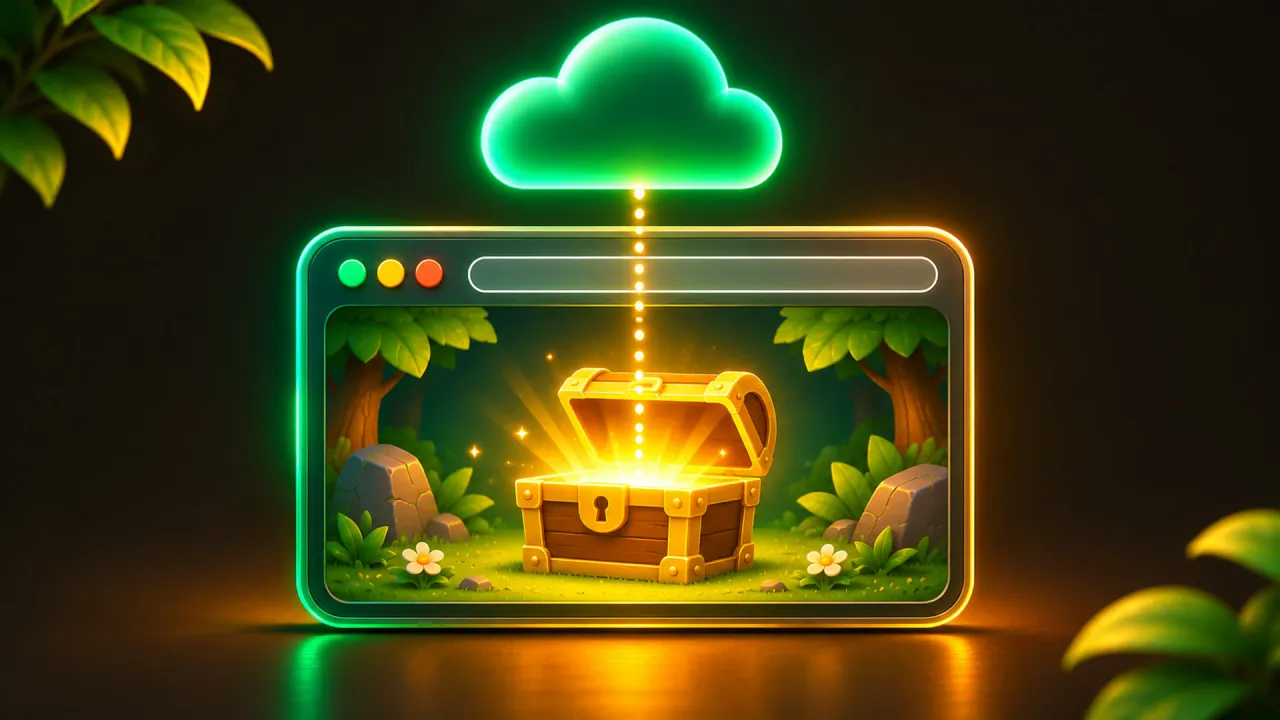
The fourth place is not in your browser at all. The game sends the save to its own server and files it under an identity: a guest ID, or an account you sign in to. This is what people mean by a cloud save.
A local save belongs to one site in one browser
Browser storage is tied to the exact address of the site. Play the same game on two different portals and you have two unrelated saves. Chrome and Firefox on the same computer do not share saves either.
Embedded games add one more split. Portals often show a game inside a frame that loads from the developer's server. Since version 115, Chrome partitions storage in that situation: what the frame stores is only available again on the same portal. The same game embedded on two sites keeps two separate saves, even though its files come from one address.
Why browser game saves disappear
The most common cause is a cleanup. In Chrome's "Delete browsing data" dialog, the option "Cookies and site data" removes cookies and web storage, and local saves with them. "Cached images and files" is harmless for saves. It only removes copies of the game's files, so the next start takes longer, as described in how browser games run without a download.
Private or incognito windows are the second cause. What a site stores there is usually deleted when the private session ends, so a game played in a private window starts over next time.
Safari has a rule of its own. Since Safari 13.1 and iOS 13.4, WebKit's tracking prevention, when it is switched on, deletes everything a site has stored through scripts, including localStorage and IndexedDB, after seven days of Safari use without any interaction with that site. The count runs on days you actually use Safari, not calendar days, and a click or tap on the site resets it. Web apps added to the Home Screen have their own counter, and WebKit says it does not expect their data to be deleted.
Last, a device that runs low on space can make the browser evict stored data, starting with the sites you used least recently. When that happens, a site loses all of its data at once, not just part of it.

How to keep a local save alive
- Play in a normal window. Private and incognito windows forget the save.
- Bookmark the game and always open it on the same site, in the same browser.
- When you clean up your browser, clear the cache only, or leave the game's site out of the cleanup.
- In Safari, come back and tap something in the game within a week of browsing, or add the game to your Home Screen.
- Use the export option if the game has one, and keep the text or file somewhere outside the browser.
- If the game offers an account, sign in. Nothing else covers a lost or replaced device.
A site can ask the browser to mark its storage as persistent, which protects it from being evicted when space runs low. Chrome decides by itself, using signals such as whether you have bookmarked or installed the site. Firefox asks you with a prompt. If a game you care about shows it, accept.
Guest saves, accounts and cloud saves
A cloud save is only as durable as the identity it hangs on. If a game stores your progress on its server under a guest ID, your browser still has to remember that ID, usually in a cookie. Clear your cookies and the save may still exist on the server, but nothing links you to it any more.
An account fixes that, because you can prove who you are again from any device. It also raises a question: what happens when two devices hold different progress? Some games keep the newer save, some ask you. Find out before you sign in on a second device.
How we handle saves at ARI GG ATO
This magazine belongs to ARI GG ATO, so here is how our own games do it. You start as a guest with no sign-up. Your progress is stored on our server under a random guest ID, and we delete guest data that has not been used for 12 months. The guest ID is remembered by a cookie, so a guest save has exactly the weakness described above.
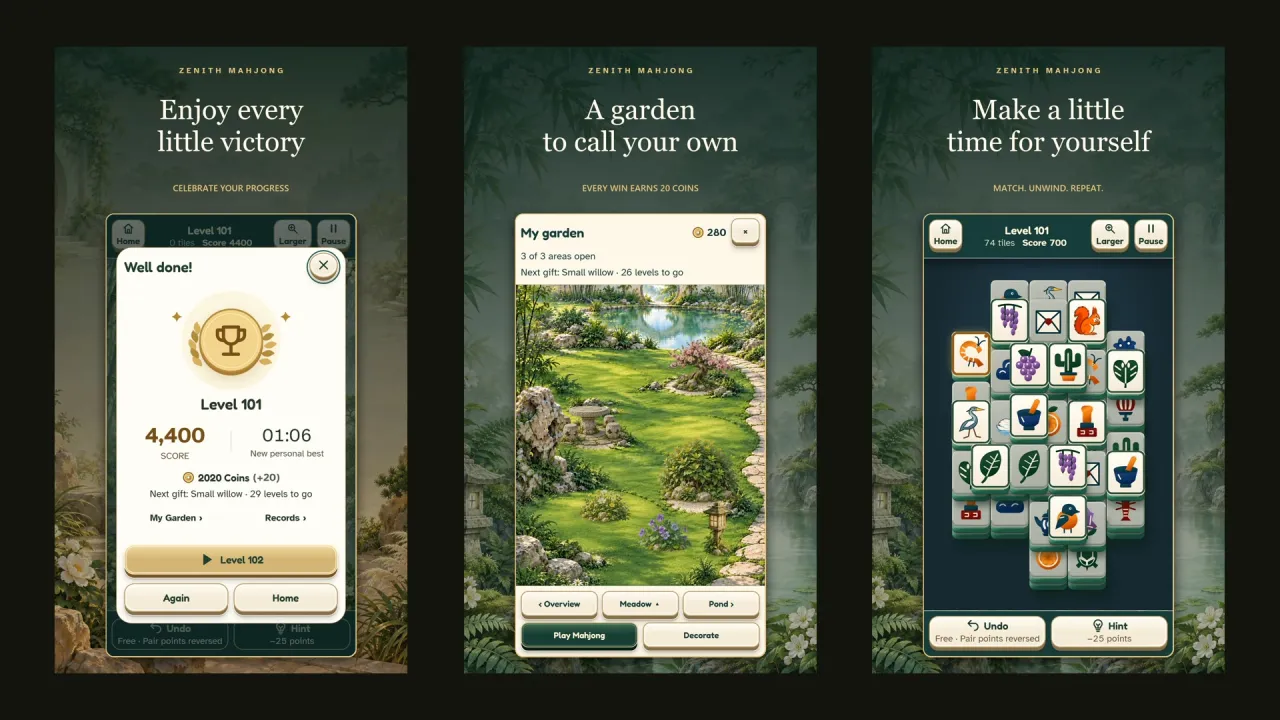
When you sign in, by email code or with Google or Apple, your guest progress moves into your account. One exception: if the account already has a save for that game, the account's save stays, and the game asks before your guest progress on that device is dropped. From then on the same account works in the browser and in our apps. Zenith Mahjong, which is on Google Play and playable in the browser, is one example. The details are in one account for every game.
Games marked as a demo reset their progress at the official launch, as covered in demo, beta, early access. And you can delete your progress in a single game, or your whole account, in the settings.
Questions
Does clearing my cache delete my game progress?
Clearing only cached images and files does not. Clearing cookies and site data does, for every game that saves in the browser. With an account and cloud saves, you can sign in again and get the progress back.
Do browser games save in incognito mode?
Only until you close the private window. After that the browser deletes what the game stored.
Can I move a browser game save to another device?
Not by itself. A local save stays in the browser that created it. You need either an account with cloud saves or an export and import function inside the game.
Why was my progress gone on my iPhone after a break?
Safari deletes site data written by scripts after seven days of Safari use without interaction on that site. Games you open from the Home Screen as a web app are counted separately, and saves stored on a server under an account are not affected.


Done reading? Try it yourself.
Every game with one account – free. Collect GG Coins and climb the ranking.