Gaming news
Browser games in 2026: how they run without a download

Contents · 8
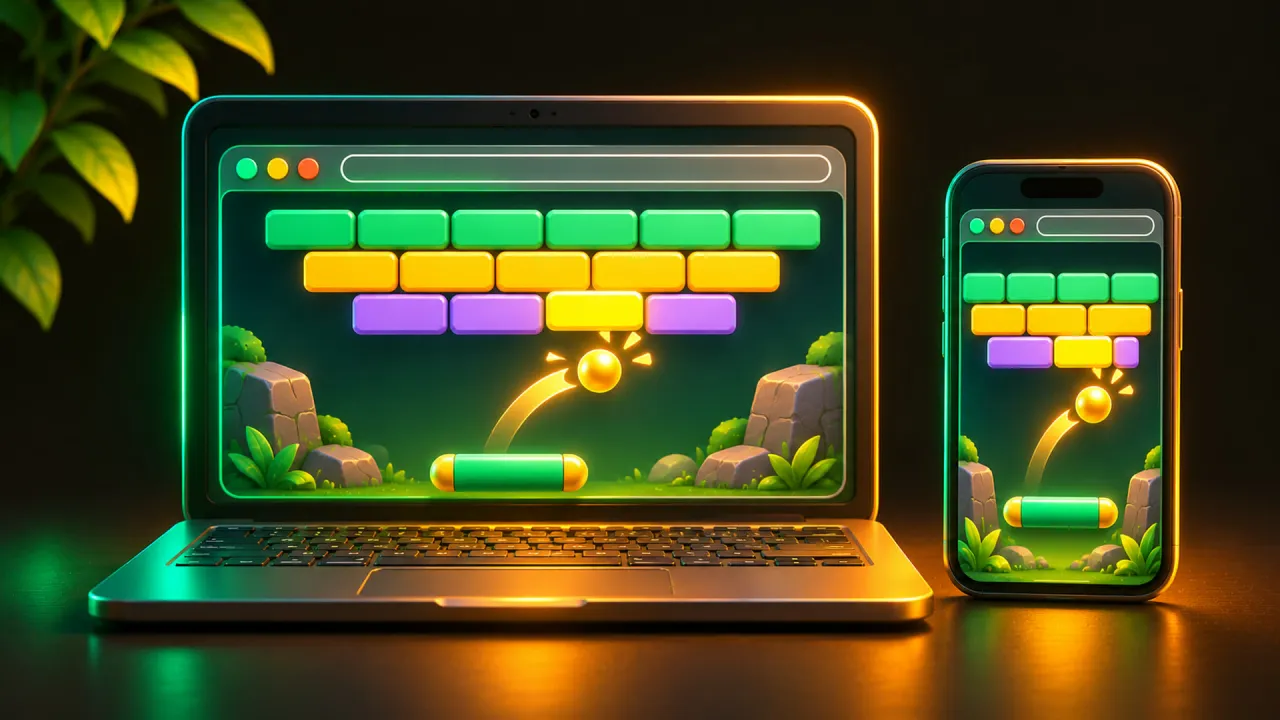
Browser games with no download still download. The difference is that nothing gets installed: when you open the game's page, your browser fetches the code and art, runs them in a sandbox, and keeps a copy in its cache. No installer and no app store. Here is what happens between your click and the first frame, and what you can do when a game loads slowly or stutters.
What "no download" means for browser games
A browser game is a web page that happens to be a game. The page pulls in HTML for the frame, JavaScript or WebAssembly for the logic, and images, audio and level data on top. Your browser already knows how to run all of it, so there is nothing to set up.
The files land in the browser's own storage, not in your program folders. Web code runs in a sandbox, so a game cannot read your files or install something in the background. Removing a browser game means clearing that site's data.
From Flash to web standards
For years, "browser game" meant Flash, a plugin you had to install. Adobe stopped supporting Flash Player on December 31, 2020, and blocked Flash content from running in it from January 12, 2021. Old Flash games are not all lost: Ruffle, an open source Flash Player emulator, is built to run that content in a modern browser without the plugin.
Everything newer uses technology that ships inside the browser. Simple 2D games draw with the Canvas API. Anything heavier uses WebGL, which renders 2D and 3D scenes on your graphics hardware. WebGL 2, the current version, has been in Chrome since version 56, Firefox since 51 and Safari since 15, and caniuse counts it in about 97 percent of browsers in use.
WebAssembly and WebGPU: how big engines reach the browser
WebAssembly is the reason full game engines work on the web. It is a compact bytecode format that runs at near-native speed and serves as a compile target for languages such as C, C++ and Rust. An engine written in C++ is compiled to WebAssembly once, and your browser runs the result.
The engines' own requirements show it. Godot's web export needs WebAssembly and WebGL 2.0 in the player's browser, and Unity's Web platform asks for a WebGL 2 capable, 64-bit browser with WebAssembly support. A current version of Chrome, Edge, Firefox or Safari covers both. Lighter frameworks such as Phaser skip the compile step: they are JavaScript libraries that render through WebGL or canvas.
WebGPU is the successor to WebGL. According to web.dev, it is now supported in Chrome, Edge, Firefox and Safari: in Chrome and Edge since version 113 on desktop, in Chrome 121 or newer on phones with Android 12 and up, and in Safari with macOS 26 and iOS 26.
The gaps are at the edges. Firefox has WebGPU on Windows and on Apple Silicon Macs with macOS 26, while Linux and Firefox for Android are still in progress. Engines move at their own pace too: Godot's web export does not support WebGPU yet, and Unity does not enable it automatically. Most browser games still render with WebGL 2, so a browser without WebGPU rarely locks you out.
Why the first start takes longer than the second
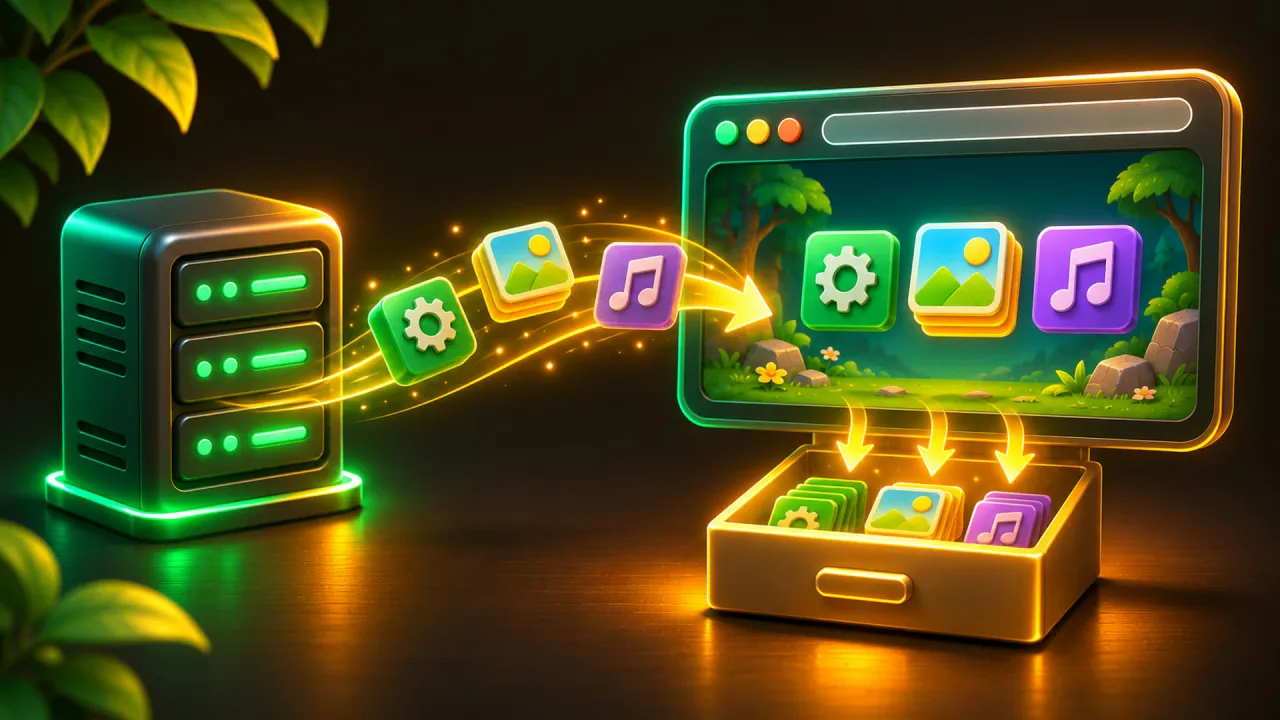
On your first visit, every file travels over the network, and with an engine-based game that includes the engine itself. The loading bar you see is a real download followed by setup, not a frozen page.
After that, the HTTP cache takes over: the browser stores responses and reuses them instead of asking the server again. Developers often put a version or hash into file names, so files stay cached for a long time and are only fetched again when the game updates. Chrome also caches compiled WebAssembly code, so a large module is not compiled again on the next visit.
Two things reset this. Clearing "cached images and files" makes the next start slow again. It does not delete your progress, which lives elsewhere, as explained in where browser games save your progress. And a private window usually throws its data away when you close it, so every private session is a first visit.
Full screen, sound and phones
Browsers do not let a page take over your screen or speakers on its own. The Fullscreen API only works in response to something you do, such as a click, and some browsers hold back audio until you have interacted with the page. Hence the "click to start" screen on so many browser games.
The same technology runs on phones, with less headroom. Unity lists Safari on iOS 15 or newer and Chrome on Android as supported mobile browsers. Godot's documentation says web exports run on mobile with caveats, because CPU and GPU performance is scarce there. One limit catches iPhone players: Safari supports the fullscreen API on iPad but not on iPhone, according to caniuse, so expect the browser bars to stay.
Apple's App Store rules require browsers on iPhone and iPad to use Apple's WebKit engine, with exceptions in the EU and Japan. In the US, Chrome on an iPhone runs games on the same engine as Safari. If a game fails in one, switching browsers rarely helps. Updating iOS can.
What helps when a browser game stutters
- Update your browser. Google's help page for games that won't play starts with the same advice: games sometimes need the latest version.
- Check graphics acceleration. In Chrome it is under Settings, System, "Use graphics acceleration when available". The page chrome://gpu shows whether hardware acceleration is active. If it reports software only, update your graphics drivers.
- Open the game in a private or incognito window. If it runs well there, an extension or stale site data is the cause. Switch extensions off one at a time to find it.
- Close other heavy tabs and apps. A game shares memory and the graphics chip with everything else that is open.
Examples from our own teams
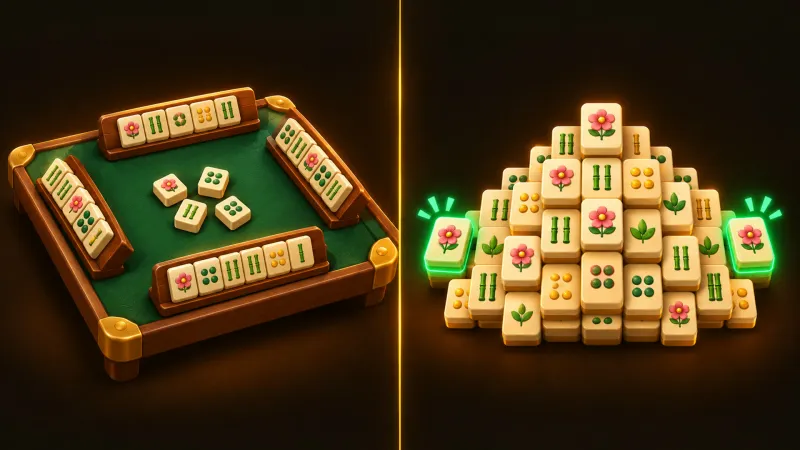
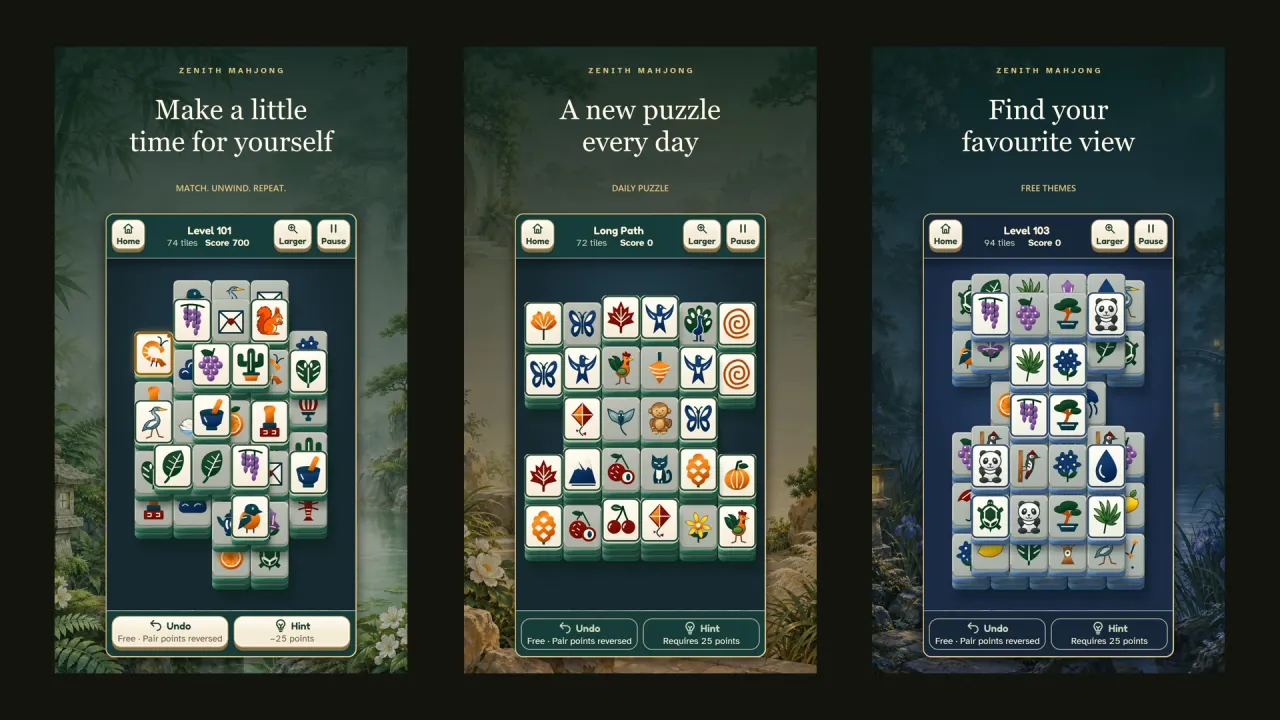
To make this concrete, here are browser games made by our own teams at ARI GG ATO. Zenith Mahjong is a Mahjong Solitaire game that is live on Google Play and also playable in the browser on ariggato.com, with more than 500 levels on solvable boards and a Daily Puzzle.
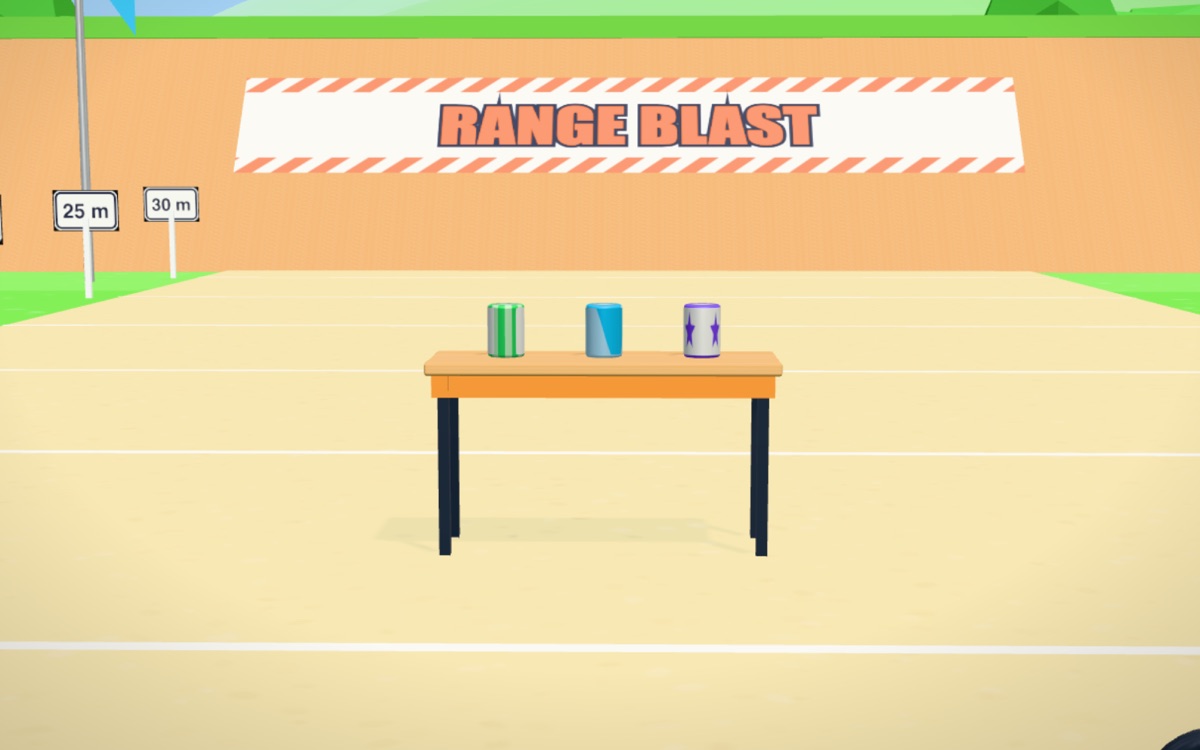
Range Blast, an arcade shooter, and Nano Blast, a physics puzzle, are browser demos. On a computer, Nano Blast also takes keyboard input (Space fires, Q switches the weapon, Esc pauses). Its demo is currently in German. For both, progress will be reset at the official launch. What that label means is covered in demo, beta, early access.
Questions
Do I need a gaming PC for browser games?
Not for most of them. WebGL uses whatever graphics hardware your device has, and 2D puzzle or idle games are light enough for older laptops and phones. Large 3D games need more memory and a stronger graphics chip.
Can I play browser games offline?
Usually not, because the files come from a server. Some games are built to keep working once loaded or to install as a web app, but that is the developer's choice. Check the game's page first.
Why do I have to click before a browser game starts?
Browsers only allow full screen after a user action, and some block sound until you have interacted with the page. The start screen collects that first click or tap.

Done reading? Try it yourself.
Every game with one account – free. Collect GG Coins and climb the ranking.