

Samurai Sudoku
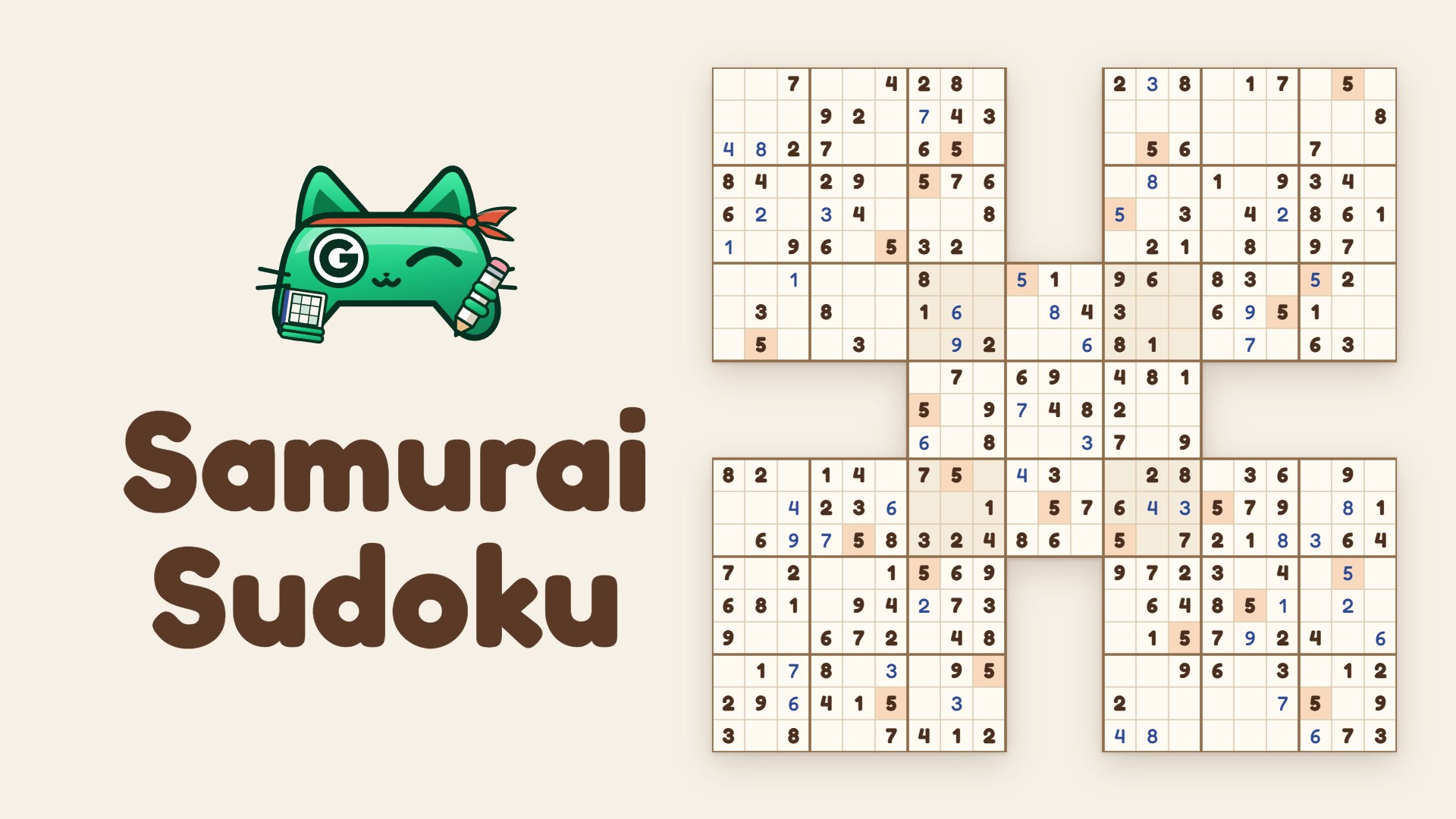
Samurai Sudoku and 6 more variants: five grids, one puzzle.
Puzzle – Android · iPhone & iPad · Browser
About the game
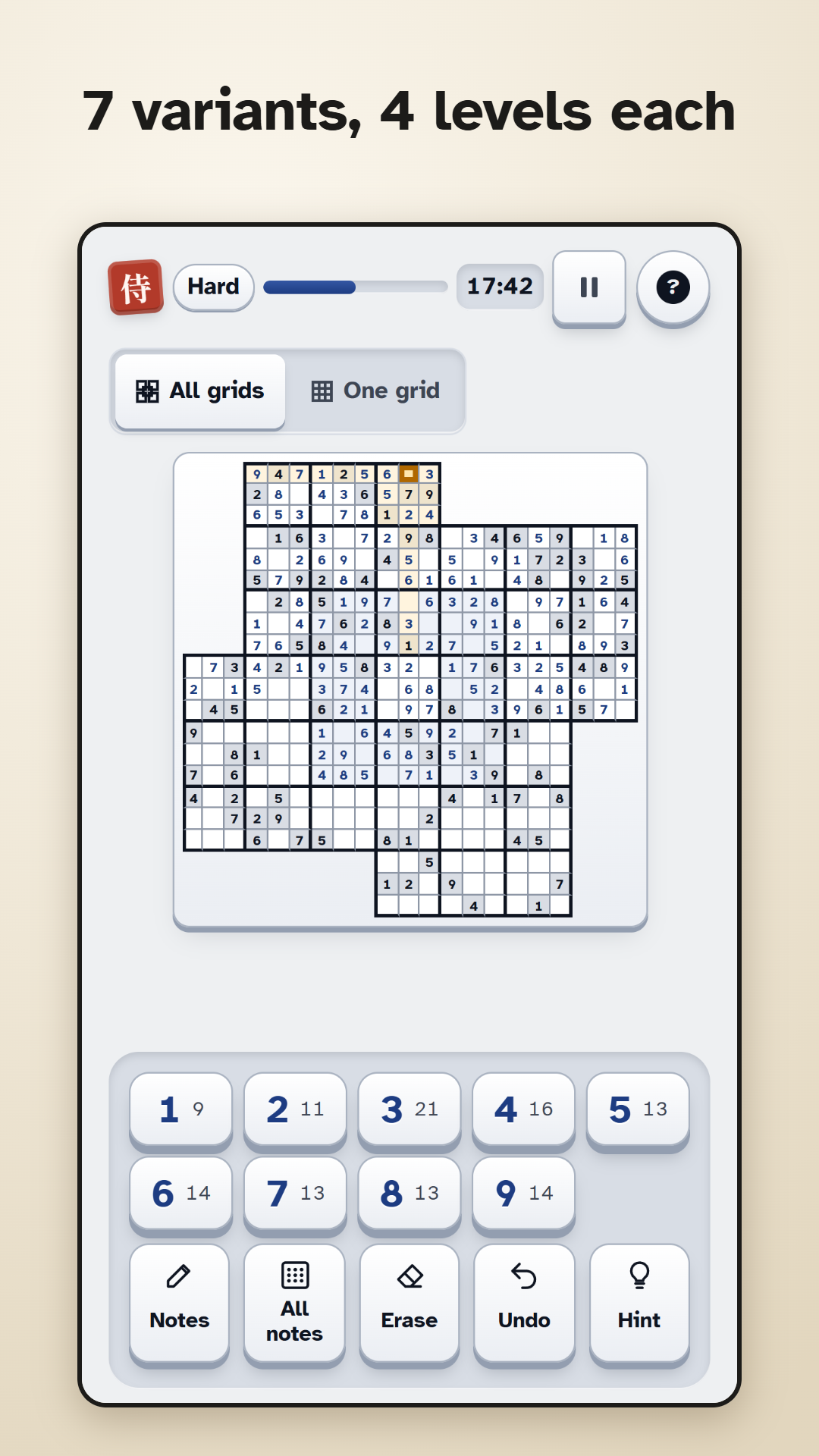
Samurai Sudoku links five classic 9×9 sudokus into one big puzzle. Each corner grid shares one box with the centre grid, where the rules of both apply.
Besides Samurai, play Twin, Triple, Butterfly, Sohei, Kazaguruma and Flower, and in Free play also a classic 9×9 sudoku, each at six difficulty levels from Beginner to Master. Every puzzle is generated on your device, has exactly one solution and can be solved by logic alone.
Features
- 7 variants plus Classic, 6 difficulty levels
- Puzzles generated on your device
- 3 daily puzzles: Easy, Medium, Hard
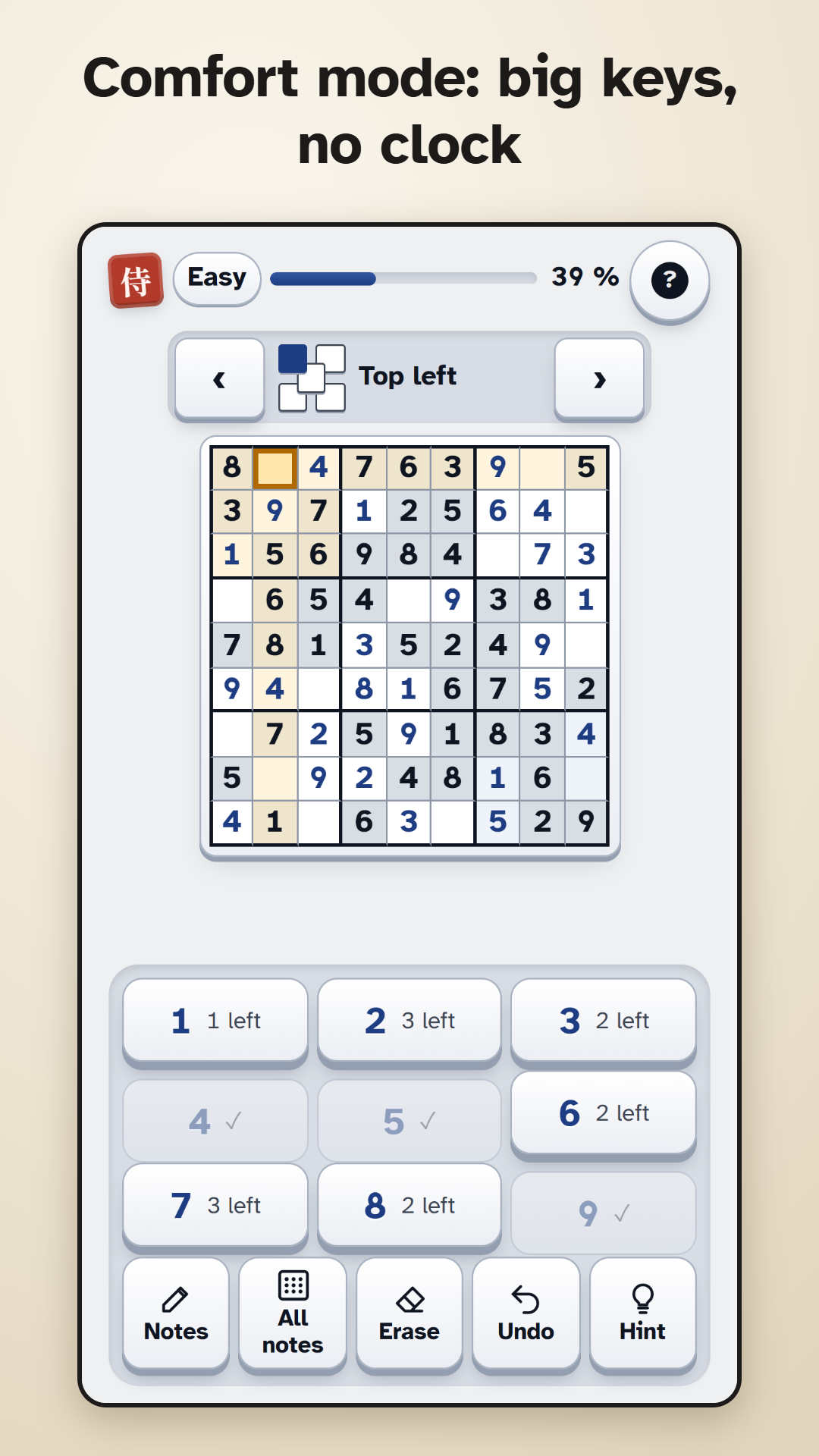
- Comfort mode with big keys
- Hints that explain the next step
- Plays offline
How to play
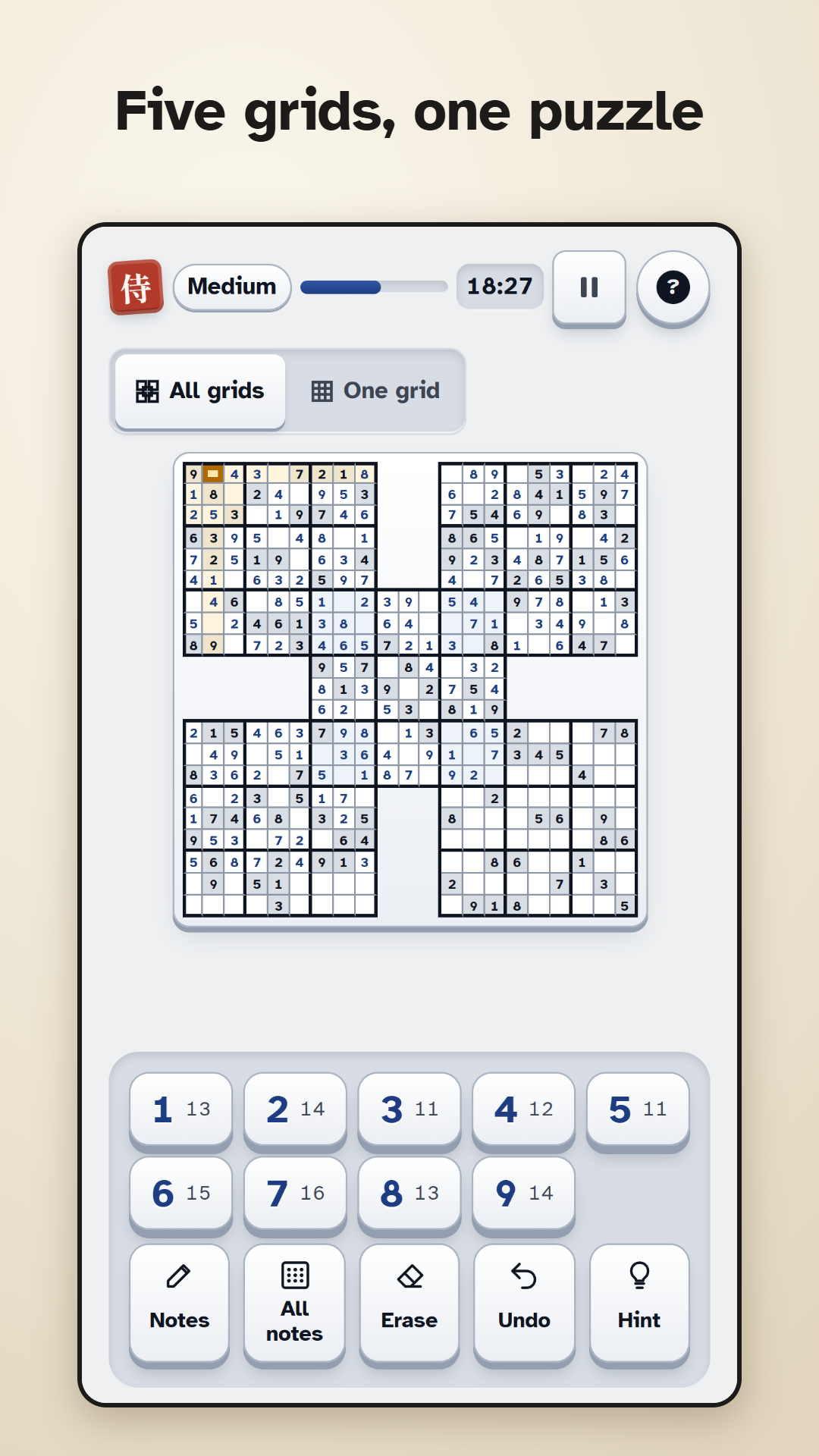
Samurai Sudoku links five classic 9×9 sudokus into one big puzzle. Each of the four corner grids shares one 3×3 box with the centre grid, and in that box the rules of both grids apply. Six more variants have two to five overlapping grids: Twin, Triple, Butterfly, Sohei, Kazaguruma and Flower. In Free play there is also a classic 9×9 sudoku, and every variant comes in six difficulty levels, from Beginner to Master.
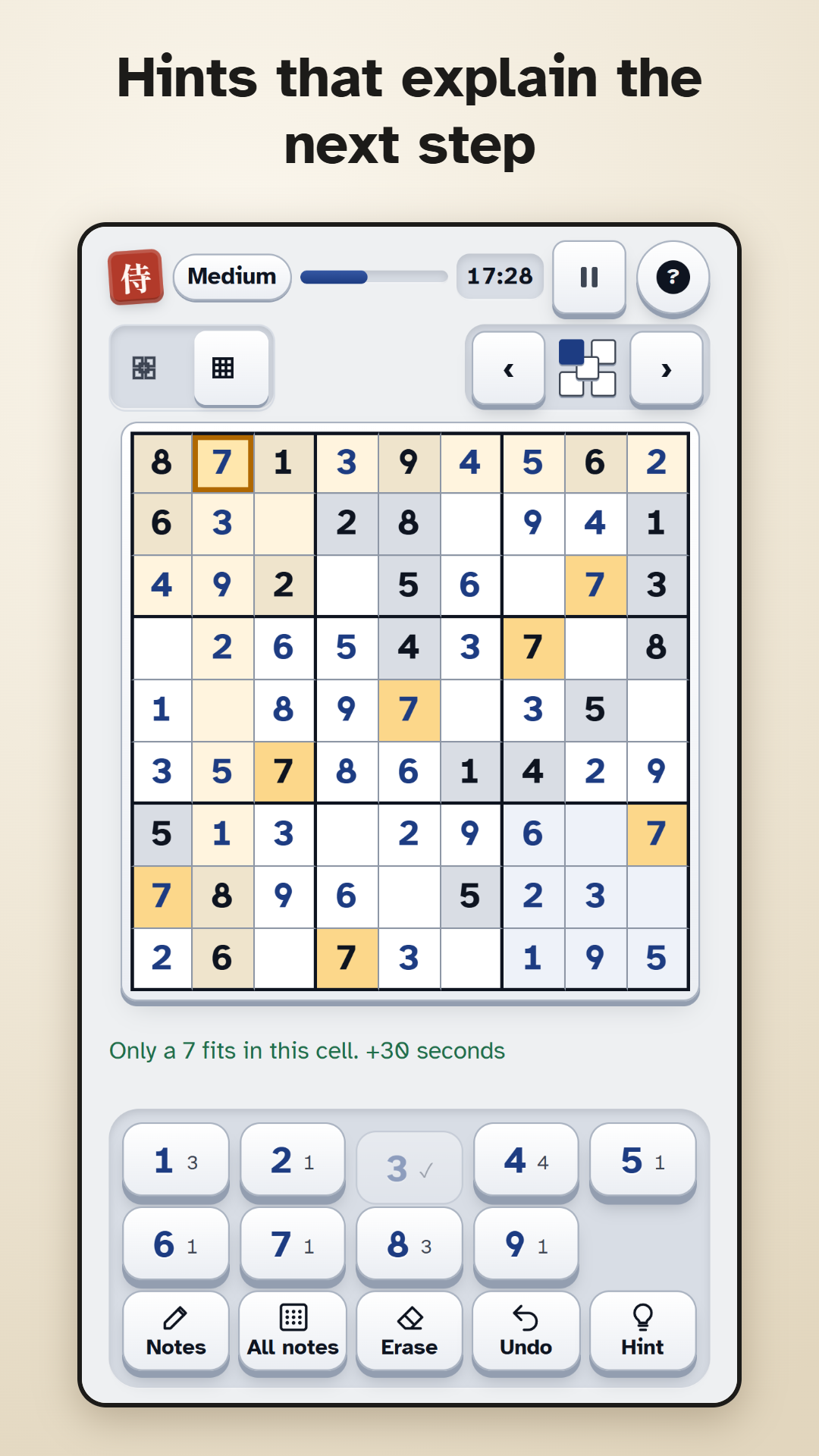
Fill every cell so that each row, column and 3×3 box of every grid contains the digits 1 to 9 exactly once. Tap a cell, then a digit, or switch on “Digit first, then cells” in Settings, pick a digit and tap several cells in a row. With Notes you write possible digits small in a cell, and All notes fills in all of them at once. Hint explains the next step: the first tap names the technique and shows where to look, the second explains why, the third makes the step. Undo takes back your last step, Redo brings it back.
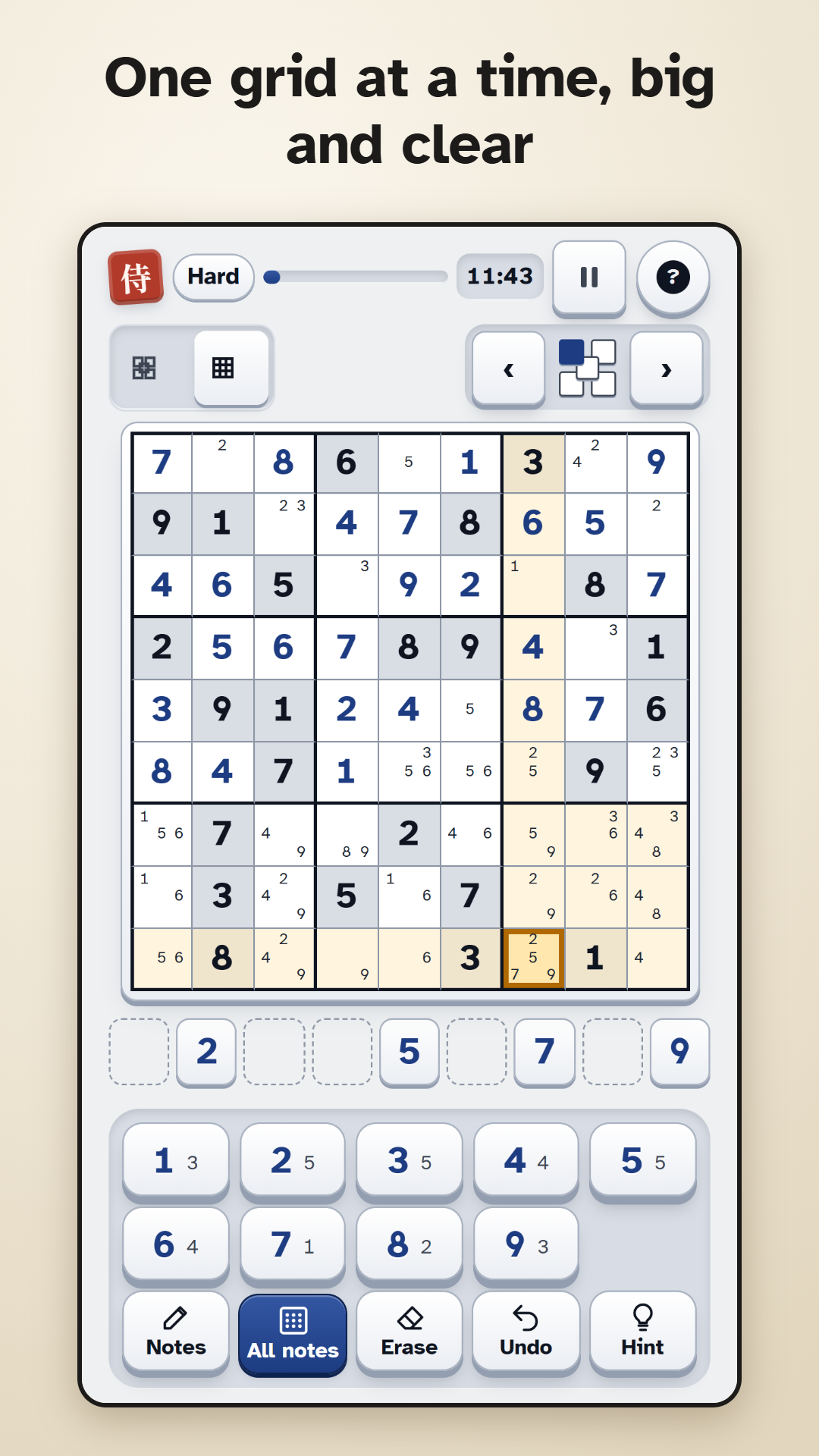
On a phone you play one grid at a time and switch with the arrows; the overview shows all grids. To see the board larger, spread two fingers on it or tap Magnifier. Comfort mode brings bigger keys, larger digits and thicker lines. Settings also offer a light, dark or high-contrast design, three text sizes and a left-handed layout.
In the Samurai Path you climb level by level: level 1 is a classic 9×9 sudoku, levels 2 to 8 bring the seven variants with several grids on Beginner, and after that the difficulty rises step by step. Every level can earn up to three stars, and your highest level sets your rank from white belt to Kensei. In Free play you choose the variant, a classic 9×9 included, and the difficulty yourself; Master is only there. Every day brings three daily Samurai puzzles, Easy, Medium and Hard, and solving one is enough for the day. The calendar shows the days you solved, lets you catch up on missed days of the current month and awards a bronze, silver or gold trophy for the month. In Free play and the daily puzzle the clock stays hidden until you turn on “Show time”; levels never show it.
The Techniques page explains the steps Hint uses, from easy to hard, in 10 entries, each with 20 practice exercises from puzzles of the game.
Tips
- In a Samurai, start in the shared boxes. A digit you place there counts in two grids at once, so those cells run out of candidates fastest.
- The small number on a digit key shows how often that digit is still missing. Start with the digits that are missing only once or twice.
- Once the obvious digits are in, tap All notes and look for cells with only two or three candidates left. Tap All notes again to remove the notes.
- In a level you have 5 free hints, or 10 with “Play without ads”; after that, a video gives you one more. Using hints costs one star in that level. In Free play and the daily puzzle each hint adds 30 seconds to your time.
- Undo takes back your last step, but a wrong digit still counts as a mistake. By default wrong digits turn red and correct ones are locked, so a slip of the finger cannot overwrite them; both can be switched off in Settings.
- A digit belongs in several cells? Switch on “Digit first, then cells”: pick the digit once and tap all its cells in a row.
- On a small phone, enlarge the cells with Magnifier or by spreading two fingers; tap Magnifier again to zoom back out. Comfort mode makes the keys even bigger.
- Every day has three daily puzzles, Easy, Medium and Hard, and one solved puzzle counts for the day. In a month, 10 solved days earn bronze, 20 silver and every day gold; missed days of the current month can still be caught up.
Screenshots
Achievements
- First puzzle – Solve your first puzzle.
- 10 puzzles – Solve 10 puzzles.
- 50 puzzles – Solve 50 puzzles.
- 100 puzzles – Solve 100 puzzles.
- All seven – Solve each of the seven variants at least once.
- True samurai – Solve a Samurai puzzle on Expert or Master.
- Expert in every variant – Solve each of the seven variants on Expert or Master.
- On your own – Solve a puzzle on Expert or Master without a hint.
- Flawless – Solve a Samurai puzzle on Hard or harder without a mistake.
- Swift blade – Solve a Samurai puzzle on Medium in under 30 minutes, in free play or as a daily puzzle, without a restart.
- Daily habit – Solve a daily puzzle on its own day.
- A week of dailies – Solve 7 daily puzzles, each on its own day.
Leaderboards
- Highest level
- Puzzles solved
- Daily puzzles solved
- Best time Samurai · Hard
Questions & answers
Is Samurai Sudoku free?
Yes. All puzzles, variants and levels are free, and puzzles are generated on your device, so you never wait for puzzle packs. There is one optional one-time purchase, “Play without ads”: it removes the ad breaks for good and gives you 10 free hints in every Samurai Path level instead of 5. It unlocks no puzzles. You see the price before you buy.
Is my progress saved?
Yes. Progress, statistics and settings are saved on your device. With a free ARI GG ATO account (from age 13, or 14 in South Korea; under 16 with a parent’s consent) your progress, statistics and most settings are also saved on the ARI GG ATO server, so you have them on every device; sounds and music stay set per device. You never have to sign in to play. If you sign in with an account that already has progress in this game while you have progress here too, you choose: continue with the account’s progress, which replaces the progress on this device, or cancel and keep playing as a guest.
Can I play offline?
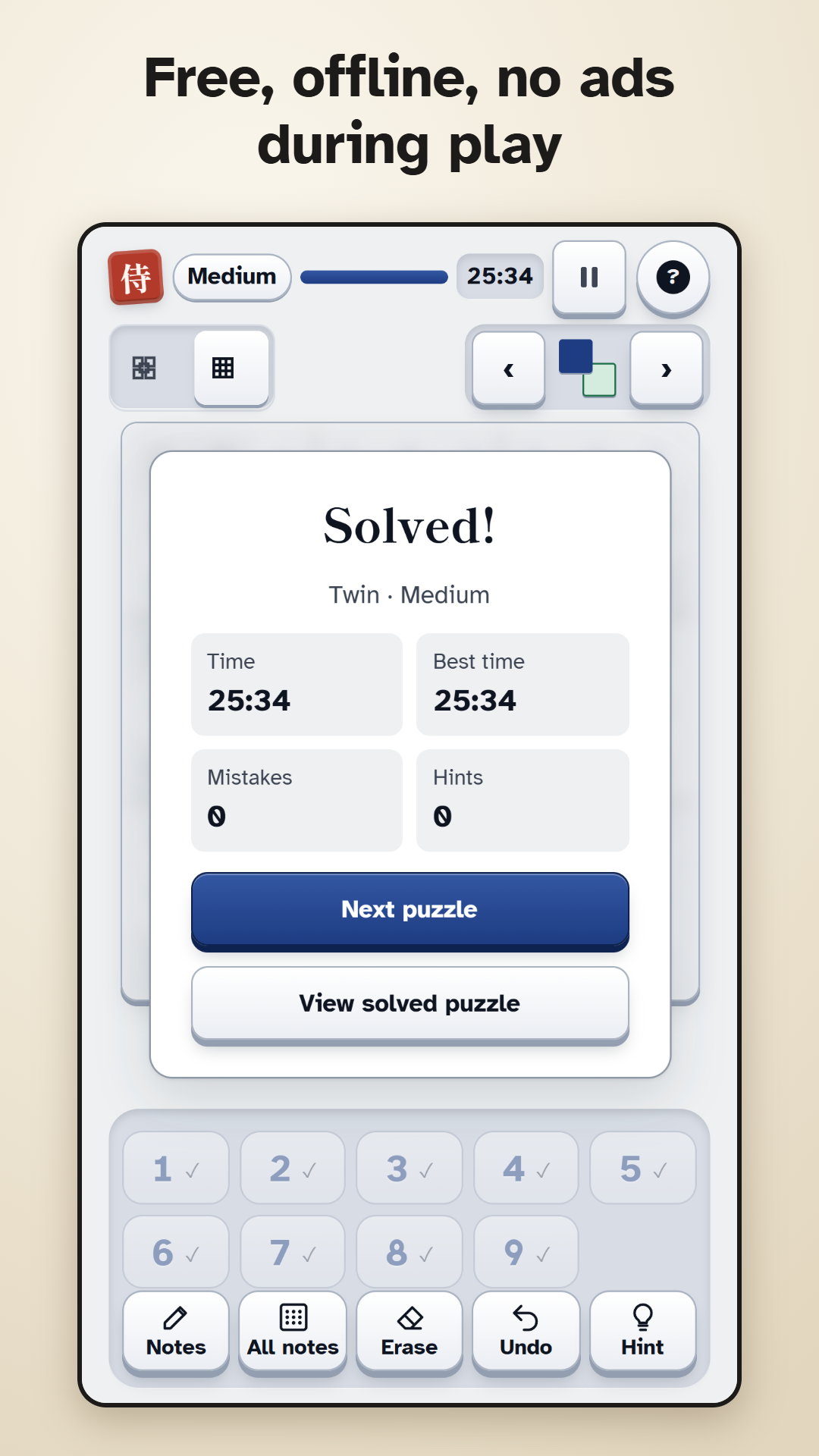
Yes. Puzzles are created on your device, so you do not need an internet connection to play. You only need one to sign in, sync your progress, see the leaderboards, watch a hint video or buy “Play without ads”.
Can every puzzle be solved by logic?
Yes. Every puzzle has exactly one solution and can be solved step by step with logic, so guessing is never needed. The difficulty depends on the techniques you need: Beginner and Easy need only simple deductions (Beginner has the most givens), Medium candidates locked to one line inside a box, Hard pairs, Expert triples, X-Wing, Swordfish or XY-Wing, and Master the Expert techniques several times. If you are stuck, a hint shows the next step and explains it, and the Techniques page lets you practise every technique.
Are there ads?
Ads appear only at natural pauses: after a solved puzzle or a finished level, never while you play. There are none in your first session and none for your first five solved puzzles, and after that at most one per 10 minutes of play. Videos for an extra hint in the Samurai Path start only when you tap them. “Play without ads” removes the ad breaks; the hint videos stay optional.
Which options make the game easier to read and use?
Text size in three steps (100, 115 and 130 %, on top of your device’s text size), Comfort mode with bigger keys, larger digits and thicker lines, a light, dark or high-contrast design, a left-handed layout and zoom for the board. Sounds, music and vibration can be switched off separately. The clock is hidden by default.